


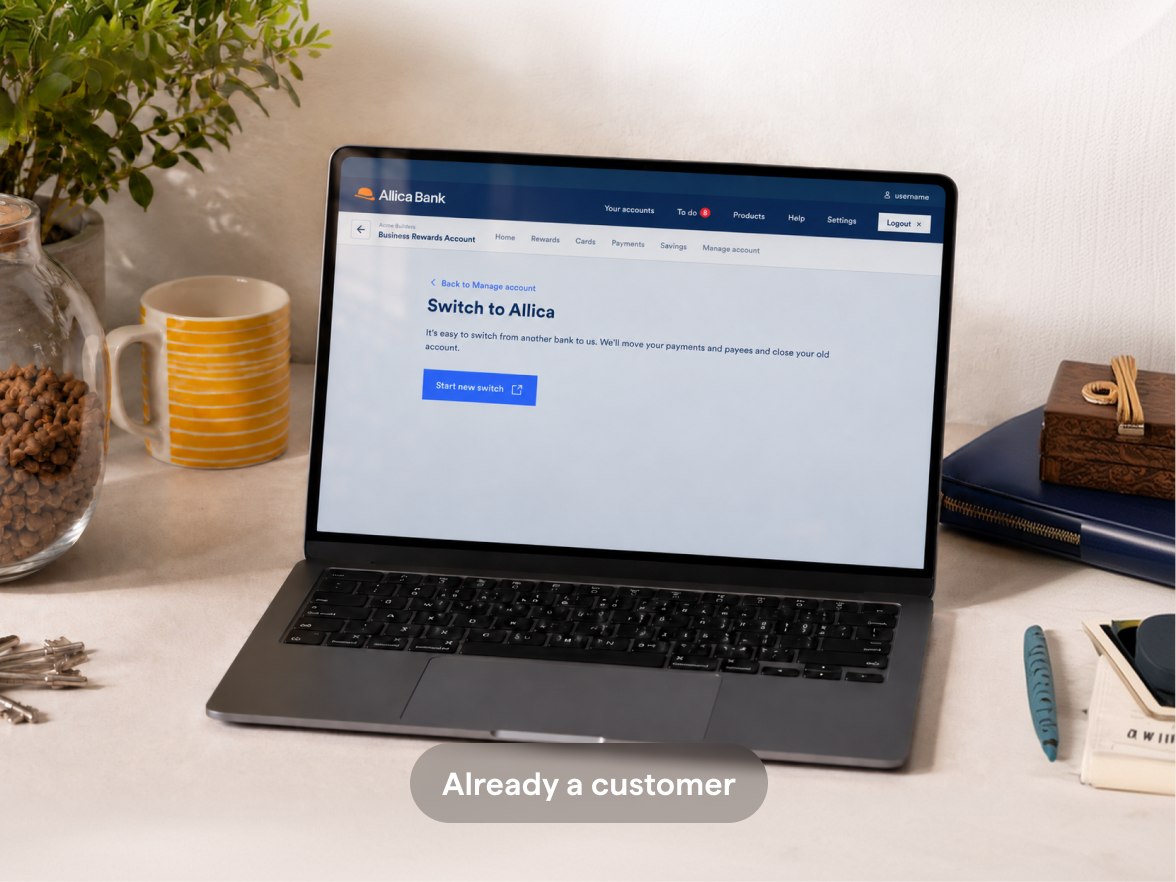

Business bank account partial switch

Partial switch

A partial switch gives you the flexibility of keeping your old account and only moves selected payment instructions, like standing orders, Direct Debits and payees.

Frame 16332

Subject to Eligibility.  Terms and Conditions apply.

partial_switch_allica

What’s the difference between a partial and full switch?

Feature Full switch Partial switch
Payment arrangements

All your regular payments are transferred to your new account

You choose which regular payments you want transferred to your new account

Closing balance transfer Yes No
Old account closed Yes No
Transaction redirection and forwarding (Automatically transferring money received by the old account into the new account) Yes No
How long does it take?

Guaranteed in seven working days

No guaranteed time, but three to ten working days typically

Thinking of switching fully to Allica? Try hassle-free switching using the Current Account Switch Service and start seeing the benefits of a business bank that rewards you.

How to switch your business account

Take a look at the steps below, or take a look at our printable, step-by-step guide.

already_bank_with_us Switch_new_to_allica
Already bank with us?

Once you've given us details of your old account, we'll contact your bank to ask for details of your standing orders, Direct Debits and payees. Once we have them, you can log in to your Allica account and choose which payments you'd like to switch.

Start switch already_bank_with_us
New to Allica?

If you don’t bank with us yet, you’ll need to open our Business Rewards Account, then apply to switch in the same way.

Apply for an account Switch_new_to_allica
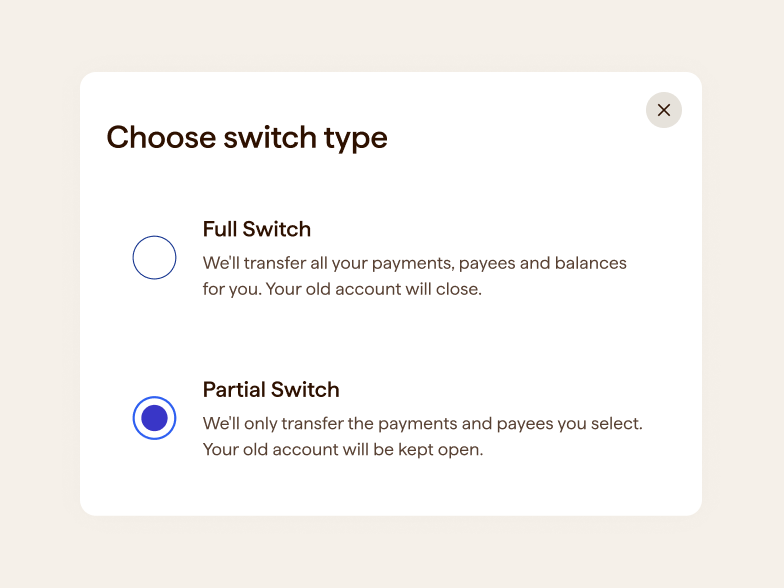
request_to_switch

Step one

Request to switch

Log in to your Allica online banking, go to ‘Manage account’, select ‘Start switch’ then choose ‘Partial switch’ and follow the steps.
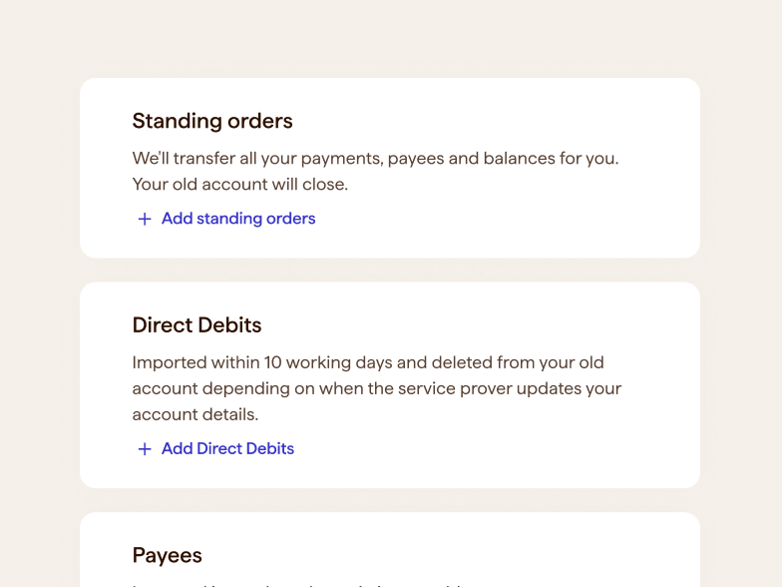
let_us

Step two

Let us do the work

After receiving your regular payment details from your old bank, you'll choose which to transfer. Transfers usually take three working days, but Direct Debit transfers may take up to ten.
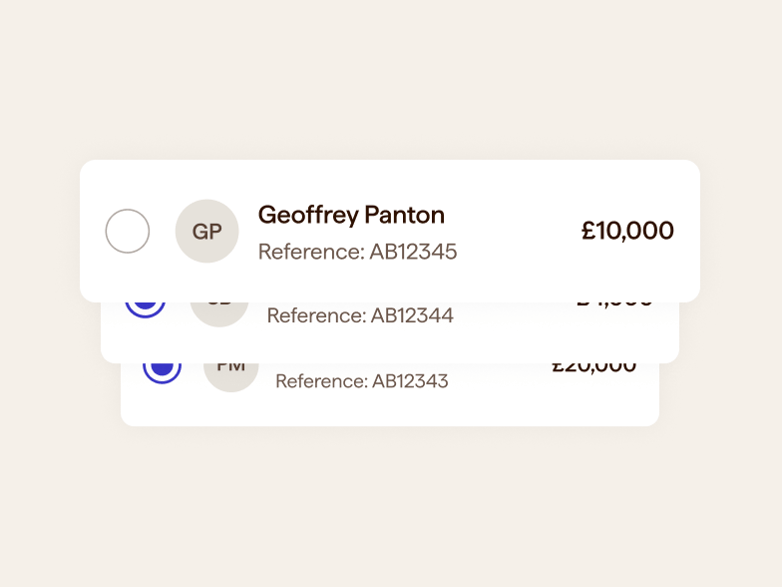
select_payment_switch

Step three

Select payments and payees

To switch regular payments to your Allica account, log in to your business banking, go to ‘Manage account’, select a payment type and choose payments to switch.

Frequently asked questions

For partial switching, your old bank must be signed up to the Current Account Switch Service. You can check if they are here.

Savings accounts cannot be switched.

If you choose a partial switch, your old account will stay open.

With partial switching, you cannot choose your switch date.

On average, three to five working days from the day you select which payments you’d like to transfer. However, this is not guaranteed.

A switch is most commonly rejected because of a data mismatch (for example, directors' details or business address), or because the old account isn't eligible for switching. If this happens, we'll email you explaining the reason — you may need to contact your old bank for more information.

Some banks limit how many payees you can switch, and this varies by bank. If you have a lot of payees, check with your current bank before you start. If your switch is refused for this reason, you'll need to reduce your payees with your old bank first.

Expand for more answers +

Help, my question isn’t answered here.

Don’t worry, find the answer in our Help Centre or speak to our team on 0330 094 3333.

Open a business current account that pays you back